iPhone Storage Full? 8 Fixes That Don’t Lose Your Photos
“iPhone Storage Full” is one of the most common iPhone headaches. Here’s how to fix it fast — and keep it from coming back — without losing a single photo.
Step 1: See what’s using space
Go to Settings → General → iPhone Storage. The bar at the top shows what’s taking space. For most people, Photos is the biggest item, followed by Messages and apps.
8 quick fixes
- Empty Recently Deleted in Photos (Albums → Recently Deleted). Deleted photos keep using space for 30 days.
- Offload unused apps (Settings → General → iPhone Storage → Offload Unused Apps). It keeps the app data.
- Clear big Messages attachments — review large attachments in iPhone Storage → Messages.
- Set Messages to keep 1 year (Settings → Messages → Keep Messages).
- Delete downloaded streaming episodes and music you’ve already watched or heard.
- Delete duplicate photos using the Duplicates album in Photos (iOS 16+).
- Clear Safari website data if it’s large.
- Move photos and videos off the phone — usually the biggest win (below).
Move photos off the phone safely
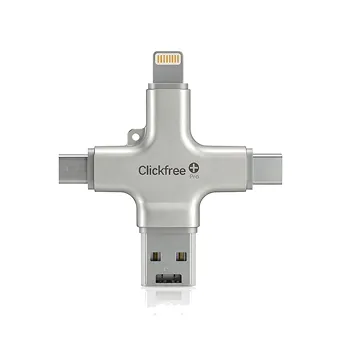
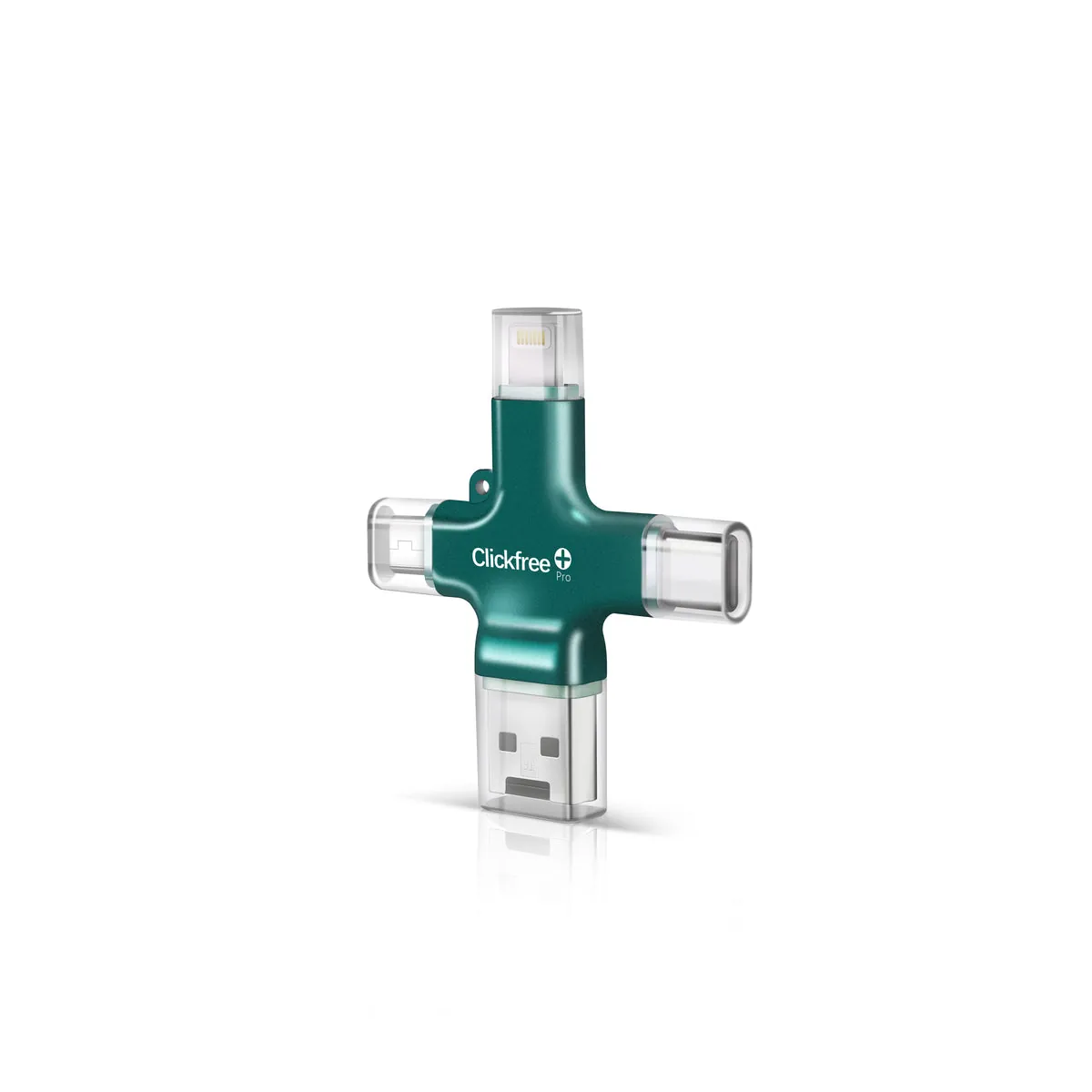
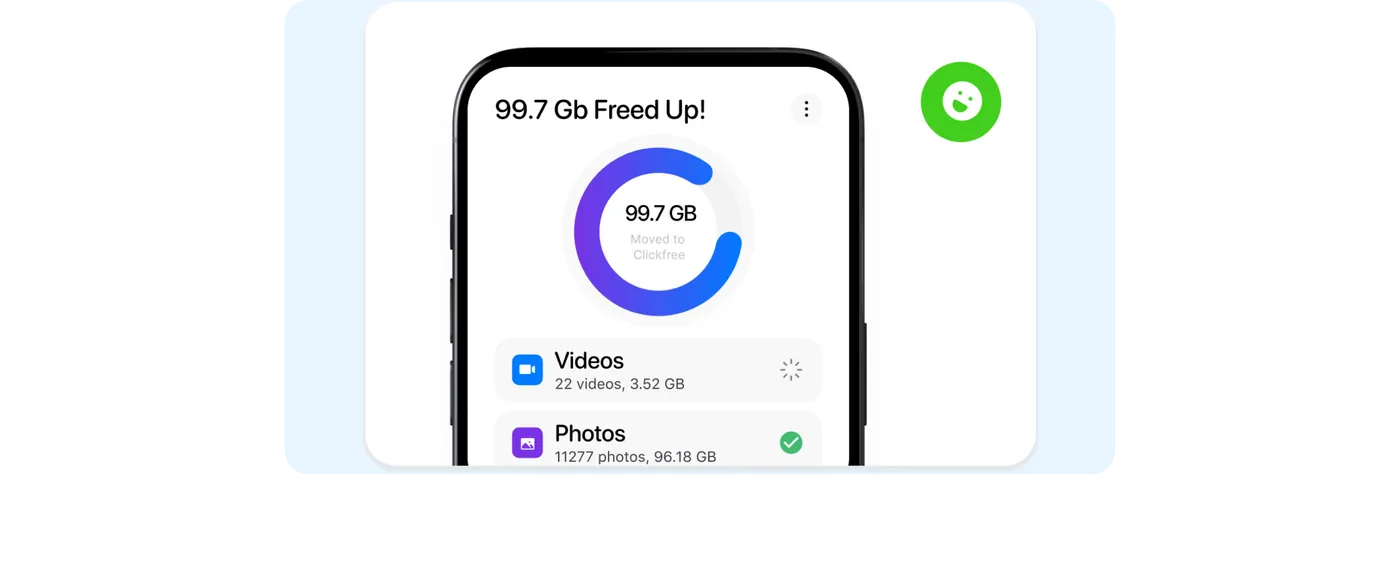
Videos especially eat space. You can back them up to a computer, the cloud, or a plug-in device like Clickfree Pro, then delete them from the phone. Clickfree’s app can also save new photos and videos straight to the device, so your phone doesn’t fill up again during a big event.
Keep it from happening again
- Back up and clear your camera roll monthly.
- Use “High Efficiency” camera format (Settings → Camera → Formats).
- Record video at 1080p instead of 4K when you don’t need 4K.
- Pick a backup device or plan with room to grow — see our size guide.
Frequently asked questions
Why is my iPhone storage still full after deleting photos?
Deleted photos stay in Recently Deleted for 30 days. Empty that album to free the space.
What takes the most space on an iPhone?
For most people, Photos and videos, followed by Messages attachments and apps.