Best Photo Backup Devices for iPhone & Android (2026)
Phone full? You have three basic choices: pay for cloud storage, use a plain drive and manage files yourself, or use a dedicated photo backup device. Here’s how the main options compare in 2026 and who each one suits.
Our picks
1. Best overall for families: Clickfree Pro
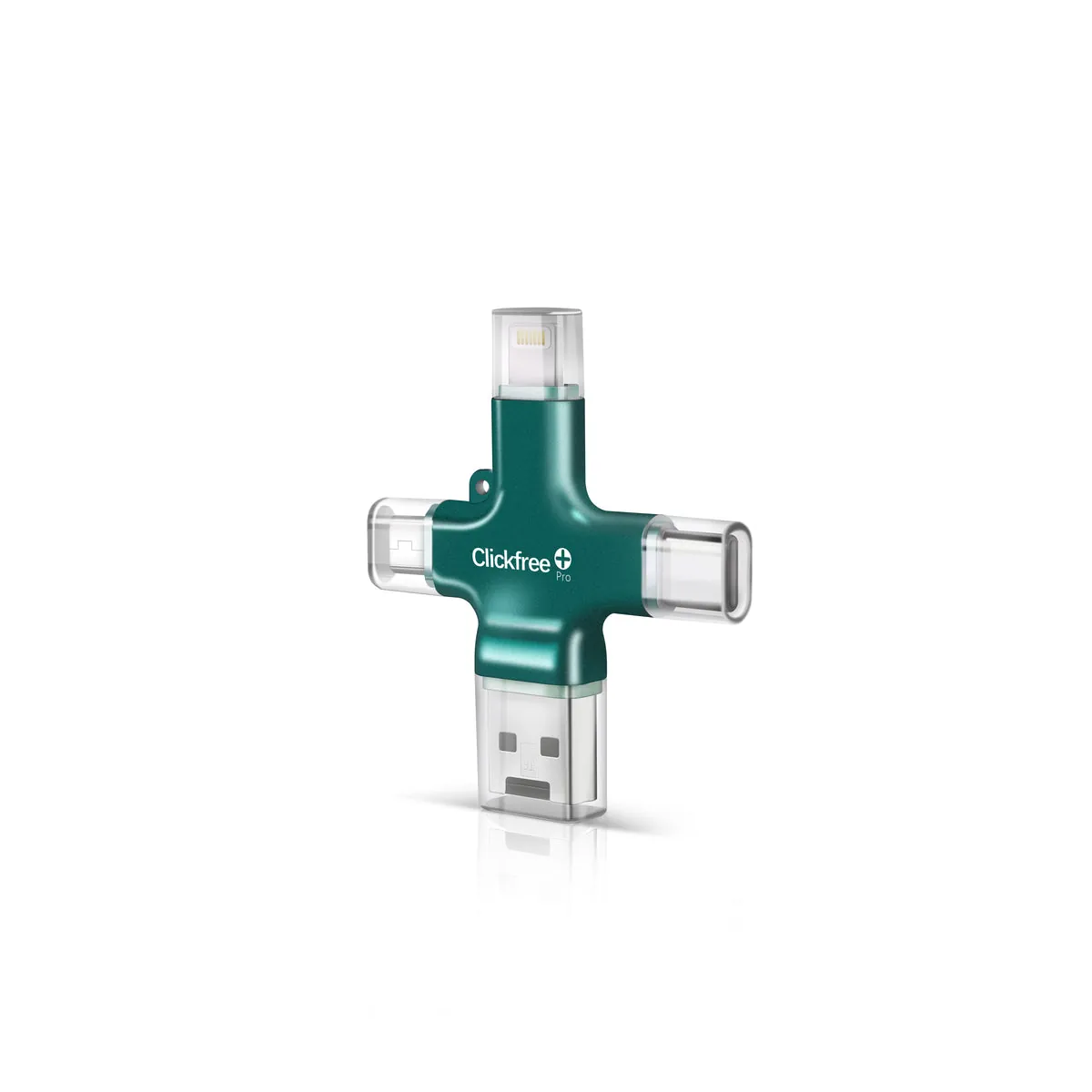
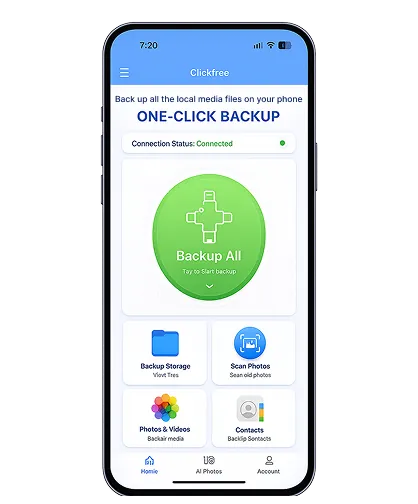
Four built-in connectors (Lightning, USB-C, Micro-USB, USB-A), one-tap backup that skips duplicates, print scanning and no subscription. It’s pricier per GB, but it’s the easiest option for mixed iPhone/Android households and non-technical users. Read our full review.
2. Best for sweeping an old computer: ThePhotoStick
Built to find and copy photos scattered around Windows and Mac computers. Mobile versions exist; pick the one matching your device. Clickfree vs PhotoStick.
3. Best budget pick for Lightning iPhones: SanDisk iXpand
Cheaper per GB from a big brand, but mostly Lightning-based and iPhone-only. Clickfree vs iXpand.
4. Simple single-device option: Picture Keeper
A long-running “plug in and back up” device; choose the model for your connector. Clickfree vs Picture Keeper.
5. Cheapest per GB: a plain external SSD
If you’re comfortable using the Files app or a computer, a 1TB USB-C SSD gives you far more space for the money — but no one-tap backup or duplicate skipping.
6. Best automatic option: iCloud or Google Photos
Hands-free and wireless, but it’s a monthly subscription once you pass the free tier. See vs iCloud and vs Google Photos.
Comparison table
| Option | Ease | iPhone + Android | Monthly fee | Price per GB |
|---|---|---|---|---|
| Clickfree Pro | ★★★★★ | Yes | No | $$$ |
| ThePhotoStick | ★★★★☆ | Model-dependent | No | $$$ |
| SanDisk iXpand | ★★★☆☆ | iPhone only | No | $$ |
| Picture Keeper | ★★★★☆ | Model-dependent | No | $$$ |
| External SSD | ★★☆☆☆ | Yes (manual) | No | $ |
| iCloud / Google Photos | ★★★★★ | Yes | Yes | Subscription |
Competitor details are summarized from manufacturer listings and vary by model and year. Check each product page for current specs and prices.
How to choose
- Count your devices and connectors. Mixed families benefit most from a 4-in-1 device.
- Check how big your library is (Settings → General → iPhone Storage → Photos). See our size guide.
- Decide how hands-on you want to be. One-tap devices cost more; DIY drives cost less.
- Keep two copies of anything irreplaceable.
Frequently asked questions
What is the easiest photo backup device?
One-tap devices like Clickfree Pro are the easiest because they skip menus and duplicates and include the connectors you need.
What is the cheapest way to back up phone photos?
A plain external SSD is cheapest per gigabyte if you’re comfortable copying files manually.