Home › For Seniors
Clickfree for Seniors: Easy Photo Backup for Parents & Grandparents
We may earn a commission if you buy through links on this page, at no extra cost to you. Learn more.
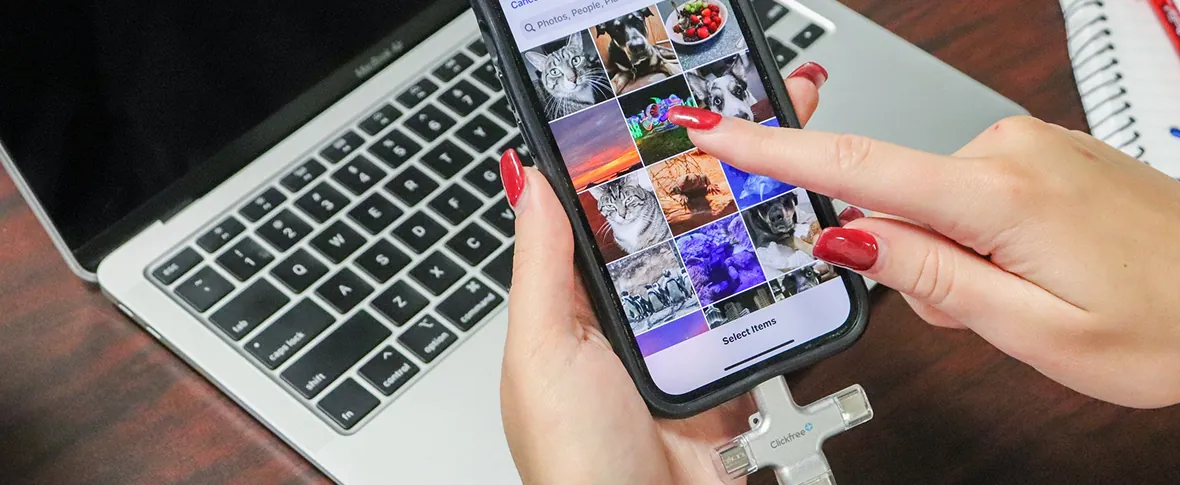
If your parents or grandparents have thousands of photos on a phone that’s always full — and cloud settings make their eyes glaze over — a one-tap device like Clickfree Pro is one of the simplest fixes. Here’s why it suits older users, and how to set it up for them.
Why it works well for seniors
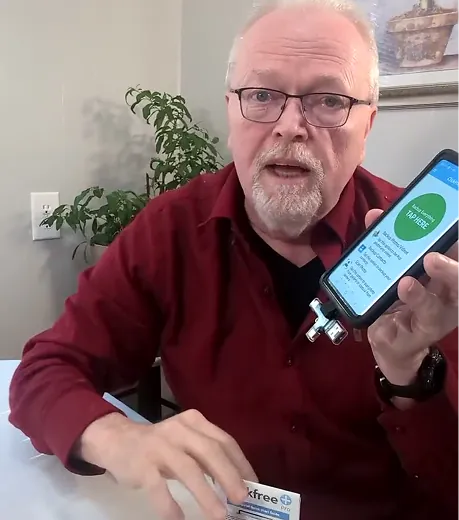
- One button: plug in, open the app, tap Backup All.
- No monthly bill to remember or cancel.
- No passwords to cloud accounts after the initial setup.
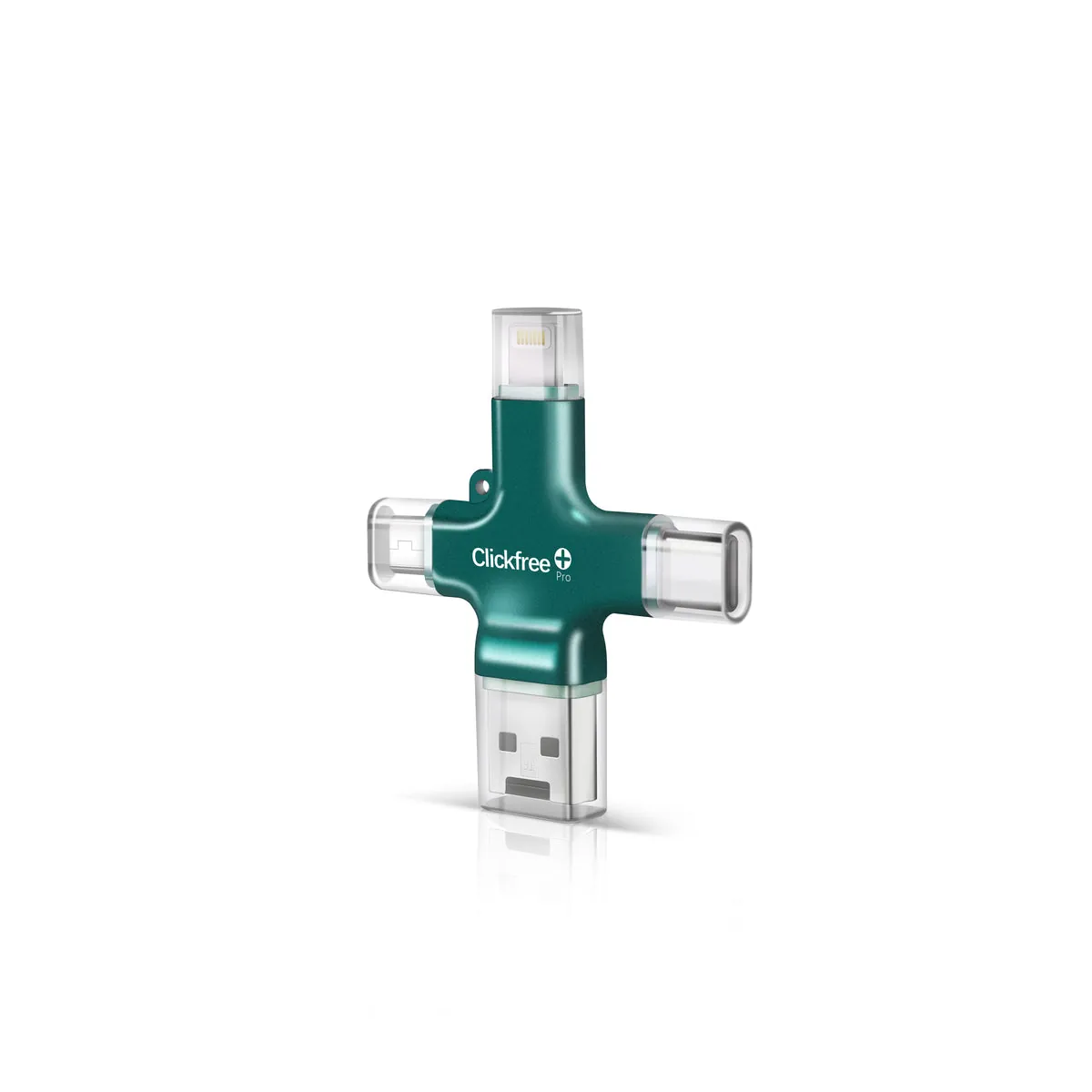
- Connectors for everything — no need to know Lightning from USB-C.
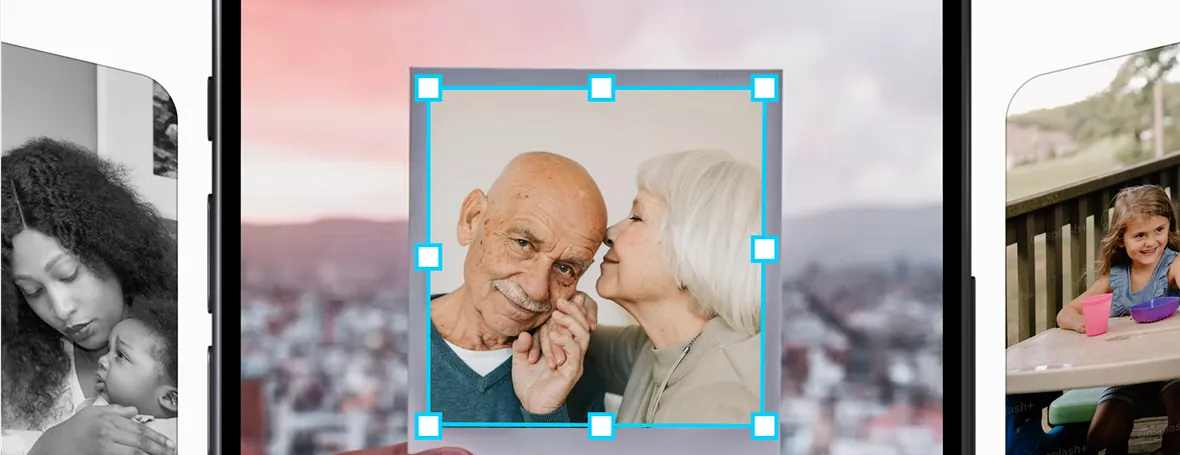
- Scan old prints to share with grandkids.
Owner reviews often mention exactly this: that it’s easy enough for non-technical relatives to use on their own.
How to set it up for a parent
- Do the first setup and account creation yourself (it needs Wi-Fi).
- Run the first full backup with the phone on a charger.
- Show them the three steps: plug in, open app, tap Backup All. Write them on a sticky note.
- Set a reminder for the first Sunday of each month.
- Once a year, copy the backup to your own computer as a second copy.
Check Price for Mom or Dad →
Official store · Free US shipping · 30-day returns
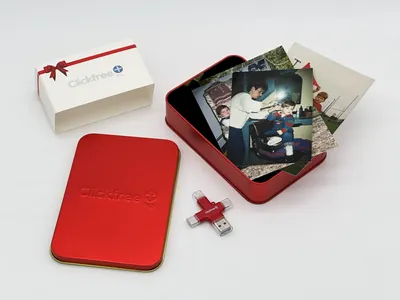
Buying it as a gift? See our gift guide.