Home › Scan Old Photos
How to Scan Old Photos: A Simple Guide
We may earn a commission if you buy through links on this page, at no extra cost to you. Learn more.
Shoeboxes of old prints fade, curl and can be lost in a move or flood. Digitizing them is one of the best things you can do for your family history. Here are the main ways to scan old photos — and when a phone-based scanner like Clickfree is enough.
Your options
| Method | Quality | Speed | Cost |
|---|---|---|---|
| Phone scanning app (e.g., Clickfree’s scan feature) | Good for sharing & prints | Fast | Included / free apps |
| Flatbed scanner | Best | Slow | $$ |
| Photo-scanning service | Very good | Mail-in wait | $$$ |
How to get great phone scans
- Clean prints gently with a soft, dry microfiber cloth.
- Use soft, even light — near a window, out of direct sun, to avoid glare.
- Lay the photo flat on a dark, plain surface.
- Hold the phone directly above the photo, parallel to it.
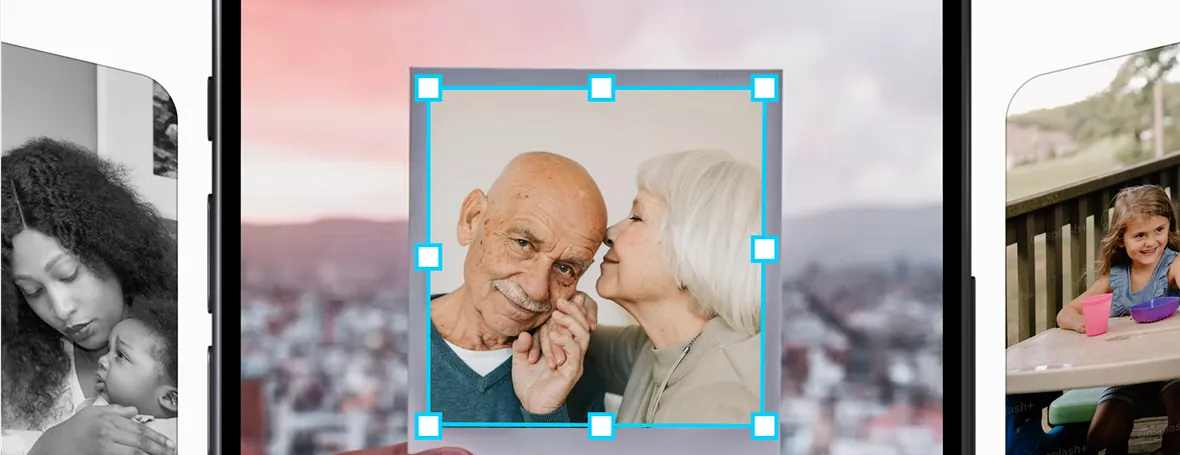
- Scan, then crop and straighten in the app.
- Name or album your scans by year/event while you still remember.
Using Clickfree for scanning
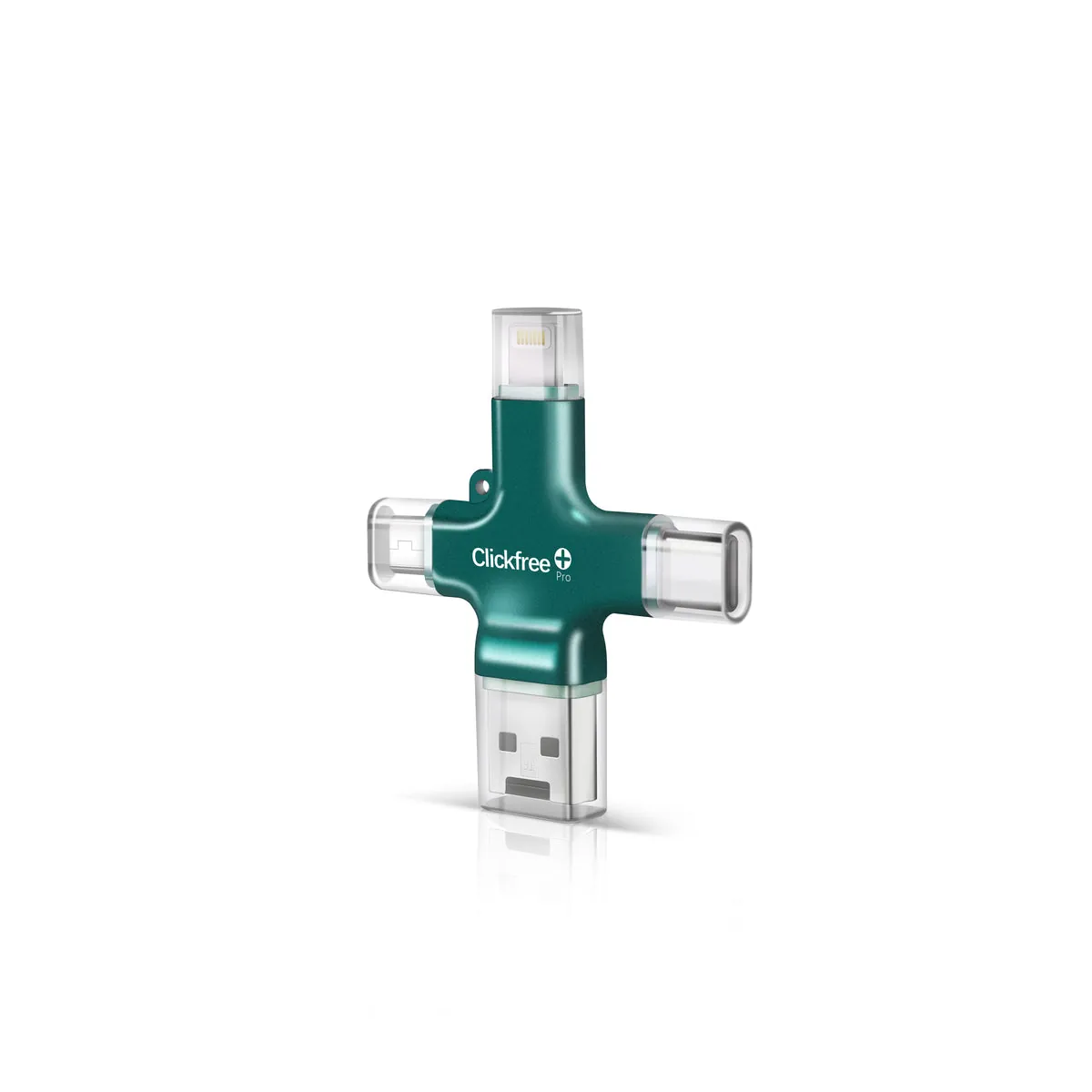
Clickfree’s app includes a print-scanning feature that saves scans with the rest of your backup. For faded or damaged photos, Clickfree also sells optional AI restoration and colorization credits.
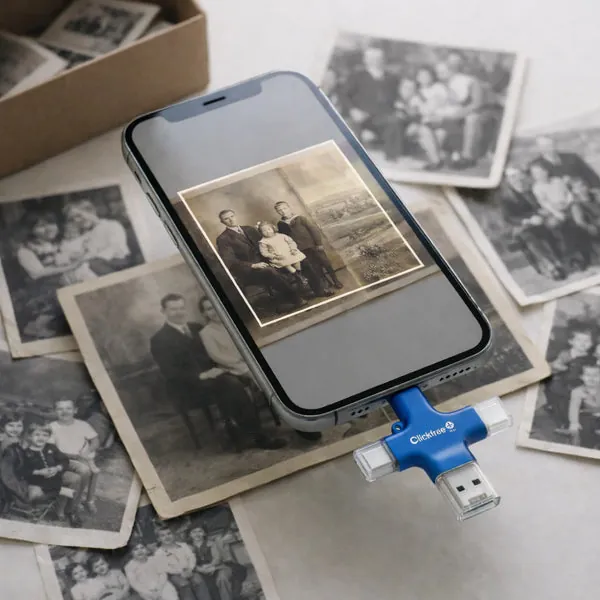
Keep the originals! Even after scanning, store important prints in an acid-free album or box.
Check Today’s Price on Clickfree.com →
Official store · Free US shipping · 30-day returns