Home › Clickfree vs Google Photos
Clickfree vs Google Photos: Which Backup Should You Use?
We may earn a commission if you buy through links on this page, at no extra cost to you. Learn more.
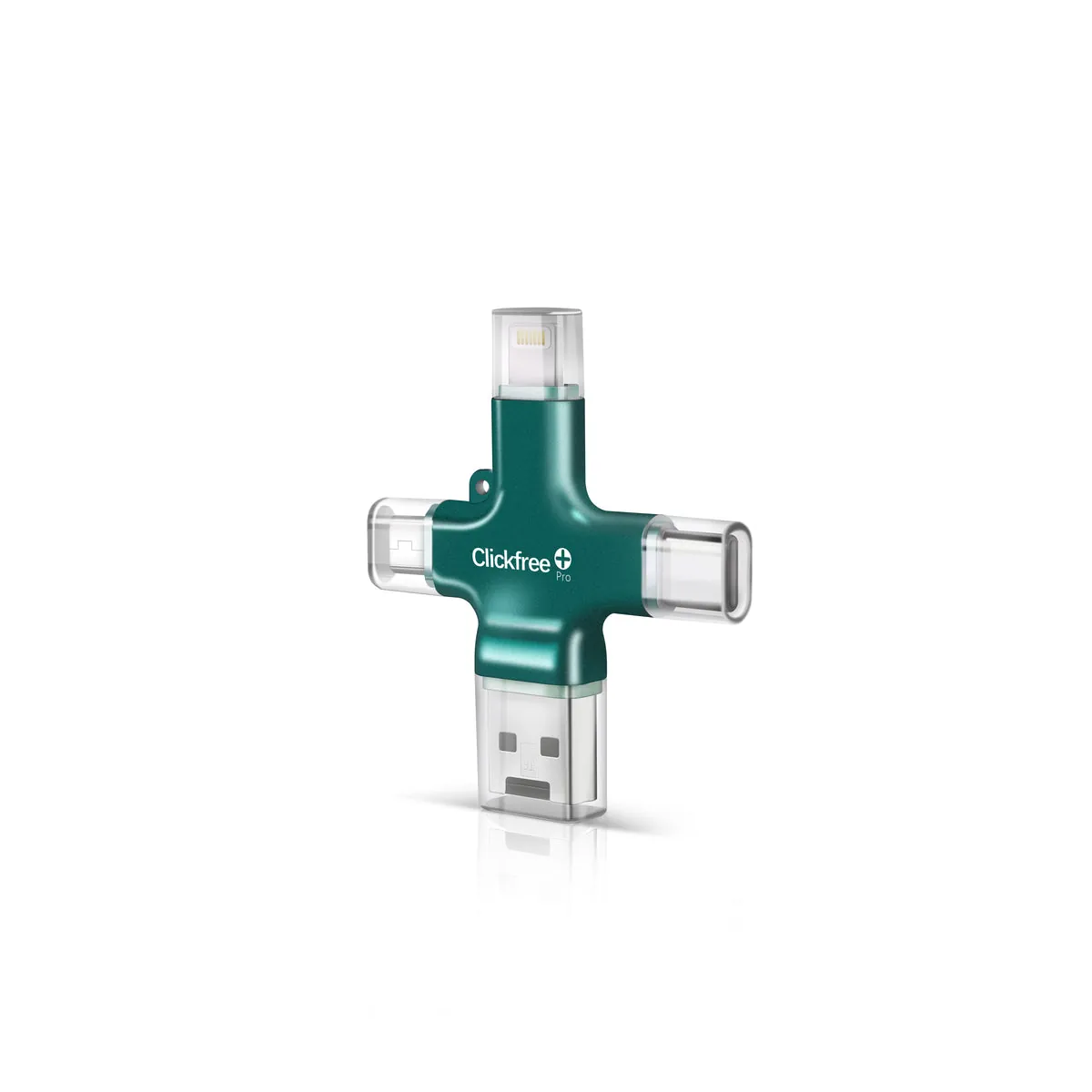
Google Photos is the default backup for most Android users, and it’s popular on iPhone too. Clickfree Pro is the offline, no-subscription alternative. Here’s how to choose.
Quick answer
⚖️
Google Photos is excellent for automatic backup, search and sharing — until you outgrow the free 15GB (shared with Gmail and Drive). Clickfree suits people who want a one-time cost, a physical copy and no account holding their photos.
| Clickfree Pro | Google Photos | |
|---|---|---|
| Cost | One-time purchase | 15GB free shared across Google; paid Google One plans after |
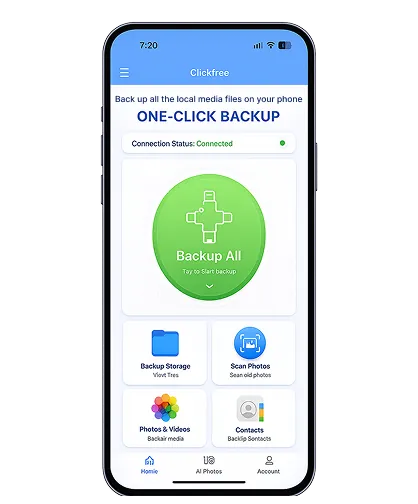
| Backup | Plug in + tap | Automatic over Wi-Fi/data |
| Search & AI features | Basic browsing | Powerful search, albums, sharing |
| Privacy | Photos stay on your device | Stored in your Google account |
| Works offline | Yes | Needs internet to back up |
| iPhone + Android | Yes | Yes |
Who should pick which
✅ Pick Clickfree if…
- You’re out of free Google storage
- You don’t want photos in the cloud
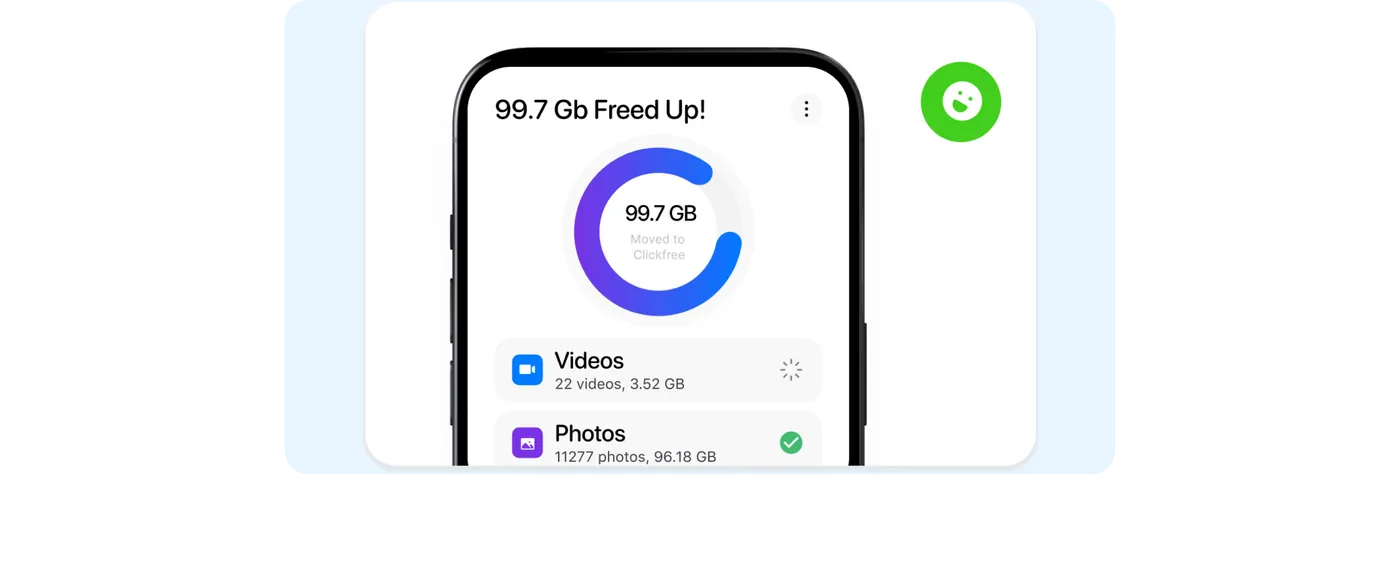
- You want to free up phone space fully
- You’re backing up an older parent’s phone
⚠️ Stick with Google Photos if…
- You love searching photos by face/place
- You share albums often
- You want zero-effort automatic backup
Many people use both: Google Photos for convenience, Clickfree as a physical copy. Android owners should also read Clickfree for Android.
Check Today’s Price on Clickfree.com →
Official store · Free US shipping · 30-day returns