How to Back Up iPhone Photos Without iCloud: 4 Easy Ways
You don’t need iCloud to keep your iPhone photos safe. Here are four reliable ways to back up an iPhone without iCloud — from the easiest one-tap option to free do-it-yourself methods.
Method 1: A plug-in backup device (easiest)
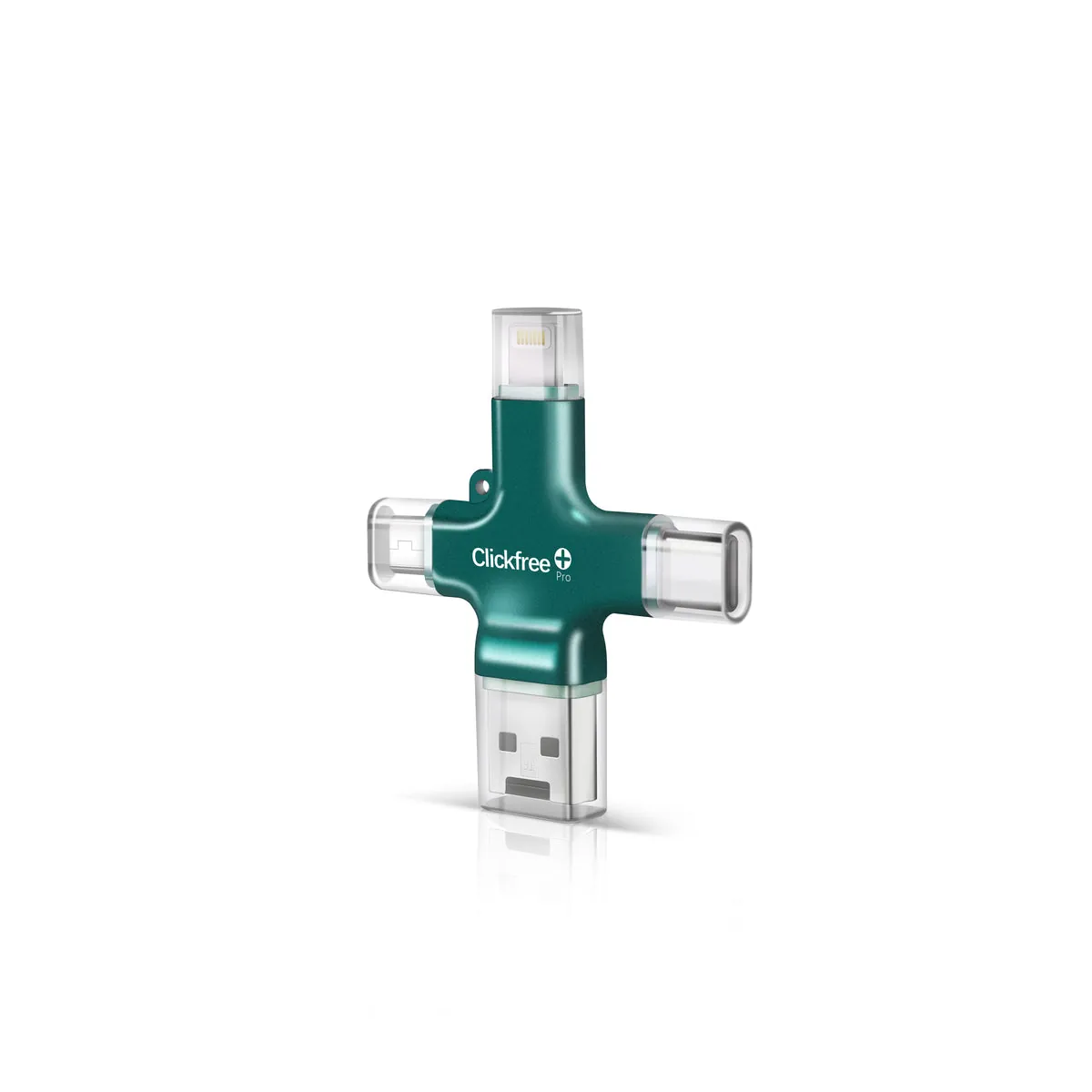
A device like Clickfree Pro plugs straight into the iPhone (Lightning or USB-C), and the app copies your photos, videos and contacts with one tap. No computer, no subscription, and later backups only copy new photos.

Method 2: Your Mac (free)
- Connect your iPhone to the Mac with a cable and unlock it.
- Open the Photos app on the Mac; your iPhone appears in the sidebar.
- Choose Import All New Items.
- Optionally, back up the Mac’s Photos library to an external drive.
Method 3: Your Windows PC (free)
- Install Apple Devices (or iTunes) if Windows asks for it.
- Connect and unlock the iPhone; tap Trust on the phone.
- Open the Windows Photos app → Import → From a connected device.
- Copy the imported folder to an external drive for a second copy.
Method 4: Another cloud service
Google Photos, Amazon Photos (for Prime members) and others can back up an iPhone. They still need internet and an account, and most charge once you outgrow the free tier. See Clickfree vs Google Photos.
Which is best?
| Method | Cost | Ease | Needs computer |
|---|---|---|---|
| Clickfree Pro | One-time | Easiest | No |
| Mac Photos | Free | Medium | Yes |
| Windows Photos | Free | Medium | Yes |
| Other cloud | Free tier, then monthly | Easy | No |
Frequently asked questions
Can I back up my iPhone without iCloud?
Yes — with a plug-in device like Clickfree, your Mac’s Photos app, the Windows Photos app, or another cloud service.
What’s the easiest way?
A one-tap plug-in device, because it needs no computer or subscription.